A dual-screen action camera is worth considering when customers regularly film themselves and can use the front display to compose the shot. For a camera mounted on a helmet or in another position where that display is out of sight, a second screen alone is a weak reason to change models.
For a brand or distributor, the useful question is whether the two screens make a specific recording task easier than the camera already in the range. Check the viewing position, controls and display behavior on the sample, then use the result to decide what the new model adds.
Give each screen a separate job
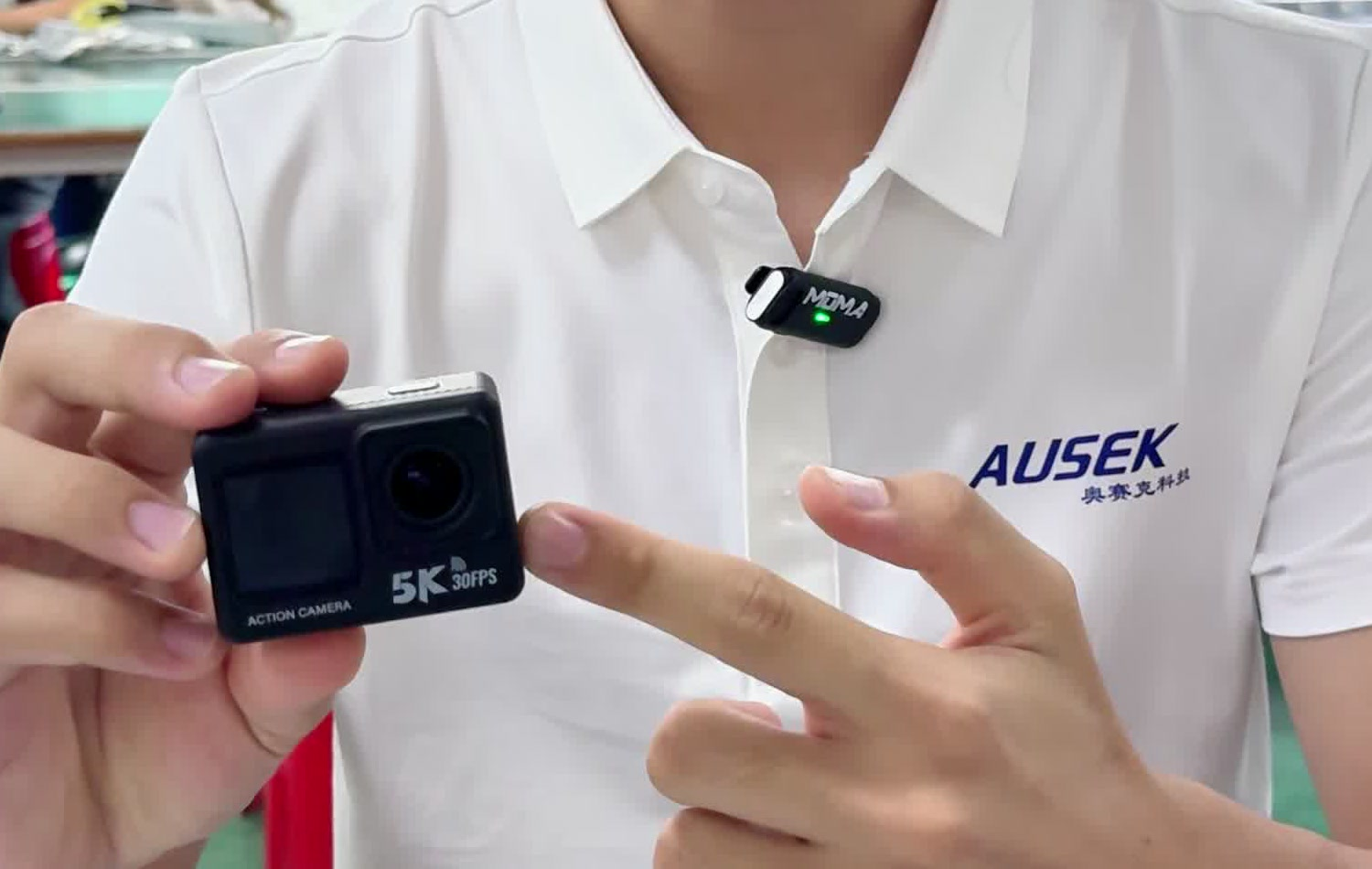
The AUSEK AT-M60TR has a 1.3-inch front color screen that supports self-framing and a 2.0-inch rear touchscreen. The front display helps with composition when the camera faces the user; rear touch operation is a separate feature. Two screens do not mean two touchscreens.
These are two different buying checks. A useful front view should let the intended user frame a face and the surroundings at the expected holding distance. Rear operation should make the settings and playback tasks used in that offer easy to complete. Screen dimensions alone do not answer either question.
Keep a five-point screen record for each sample
Use the same short recording task for the candidate and your current camera. Fit the proposed holder or frame, choose the intended recording mode and note the lighting. Record what happens at each step; a short phone video of the controls can make a later comparison easier.
| Check | What to do and record | What it tells the buyer |
|---|---|---|
| Self-framing | Frame a face and the background at the usual holding distance, indoors and outdoors. Note whether the view is readable without moving the camera away from the intended position. | Whether the front display helps in the actual handheld setup. |
| After recording starts | Press record and note the live view, recording indication and any screen timeout. Repeat after changing to the required recording mode. | Whether the user can keep checking the composition and recognize that recording is underway. |
| Rear touch operation | Change a frequently used setting, record a clip and find playback. Note the steps and any repeated taps or corrections. | Whether the controls are practical for the task and easy to demonstrate. |
| Switching between screens | Note which display is active at power-on, during recording and in playback. Try the screen-switching controls during the planned sequence. | Whether switching fits the sequence or interrupts it. |
| With the proposed mount | Attach the intended holder or frame. Repeat framing and start/stop operation; note covered areas and controls that become difficult to reach. | Whether the screen benefit survives in the kit the customer will receive. |
Keep the recording mode and accessory setup with the notes. If a display changes behavior after recording starts, repeat that step in the mode you intend to sell. A convenient preview during setup is not enough if the customer needs to see the composition throughout a take.
Use the result to decide its place in the range
Choose a dual-screen option when the sample demonstrates a useful difference for the target customer: easier self-framing at the normal distance, for example, or fewer awkward steps when moving between framing and rear-screen operation. Describe that observed difference in the product offer and sales demonstration.
If the front display cannot be seen in the main shooting setup, or both cameras complete the task equally well, the screen layout has not yet established a clear reason for an extra model. Compare the complete package and the other requirements of that customer group before adding another SKU.
Request the sample around the shooting task
AUSEK offers OEM options for existing camera models, including branding, packaging, manuals and accessory combinations, with availability depending on the selected model. Define the screen workflow first so the camera and proposed kit can be assessed together.
Send AUSEK your customers’ shooting task, your screen-check notes and the accessories you plan to include. These details give the sample and OEM discussion a clear starting point.