OEM pocket camera customization goes beyond adding a logo to the camera body. For people who create vlogs or record everyday life, branding, packaging and accessories all contribute to the product experience. The startup screen and menu language are also visible parts of that experience. This guide helps brand owners, cross-border sellers and distributors understand the available customization areas and what they need to confirm with a supplier.
Who this guide is for
This guide is for buyers evaluating an OEM camera supplier and exploring customization beyond logo printing. It is relevant to teams launching pocket or handheld cameras under their own brand, cross-border e-commerce teams sourcing cameras for vlog creators, and importers expanding their portable camera range. It explains the customization options buyers can use to plan a project.
What you can customize beyond the logo
AUSEK's published OEM offering covers six customization areas. The options available depend on the selected model and the project's requirements, including the brand materials provided. Use the list below to prepare for a discussion with the supplier; it is not a quotation or a guarantee that every option is available on every model.
- Logo artwork and its placement on the camera body, packaging and printed materials.
- Retail packaging, with details such as box artwork and inner tray layout to be discussed for each project.
- User manuals and quick-start guides that match the camera's actual configuration.
- Accessory bundles, with items such as cables, mounts, straps or pouches subject to confirmation for the selected model.
- The startup screen displayed when the camera is switched on.
- The language used in the camera's on-screen menus.
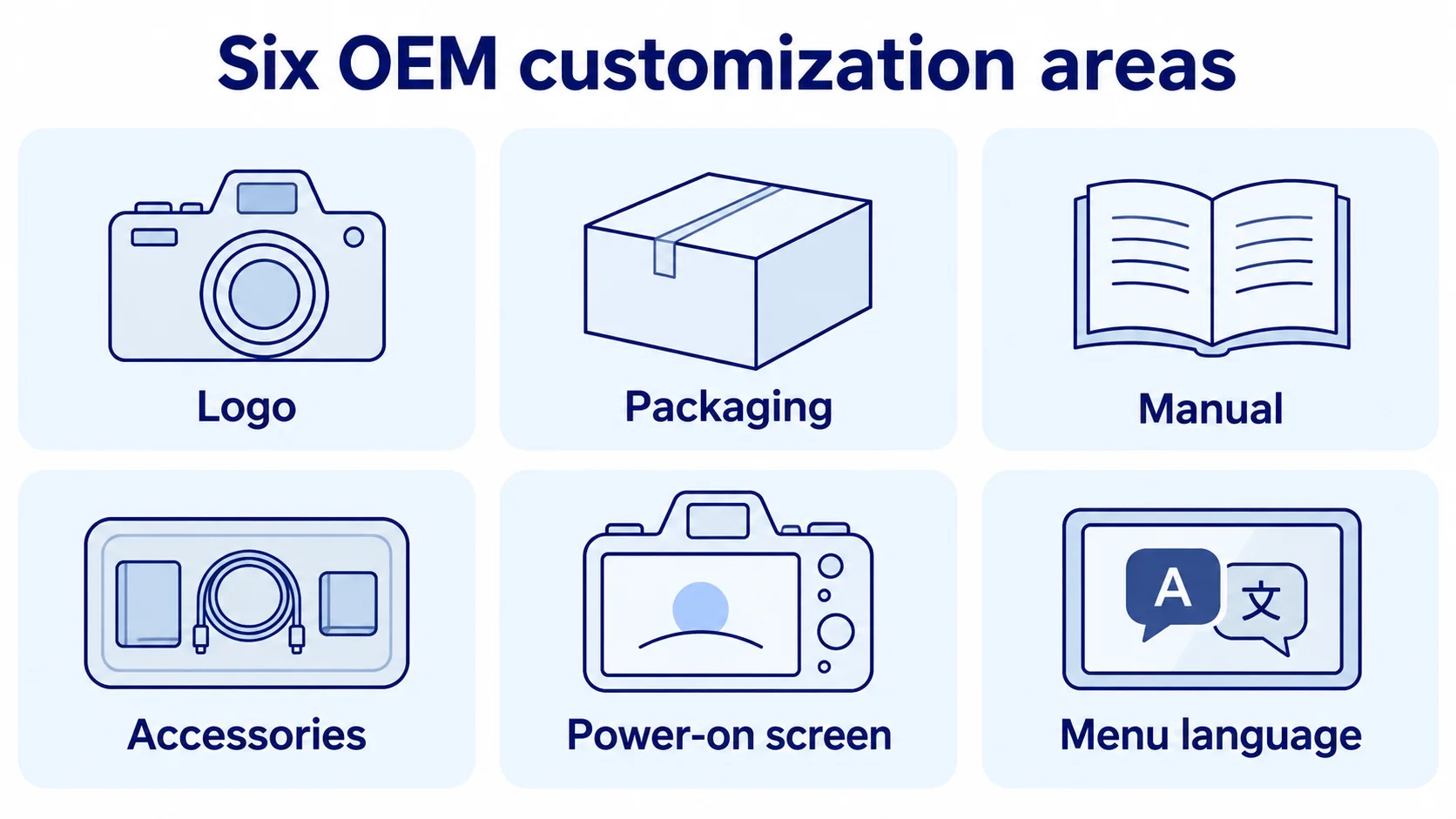
| Customization area | Why it matters in everyday use | Materials to discuss | What to confirm |
|---|---|---|---|
| Logo placement | Makes the brand visible when the camera is handled or used. | Logo artwork and proposed placement. | Artwork requirements and exact placement. |
| Packaging | Shapes the shelf and unboxing experience and communicates what is included. | Packaging artwork and a structural reference to agree with the supplier. | Box design and suitability for the selected model. |
| User manual | Helps users set up the camera; inaccurate instructions can lead to support requests. | Manual content and language matched to the product configuration. | Language and content requirements. |
| Accessory bundle | Determines which accessories users receive and whether they need additional items. | The proposed accessory list. | Which accessories can be supplied for the selected model. |
| Power-on screen | Displays the brand when the camera starts up. | Startup screen artwork. | File requirements, including image resolution. |
| Menu language | Helps users navigate the camera settings in their preferred language. | The required languages for the target market. | Which languages the selected model supports. |
How the customization options differ
These options affect different parts of the product experience. Logo and packaging customization concern the brand's visual identity; they do not change how the camera operates. The accessory bundle determines what is included in the box, so the available items need to be confirmed for the model and order quantity. Startup screens and menu languages affect what users see on the camera itself. Confirm the supported options and any file requirements with the supplier before preparing those materials. The manual must accurately describe the configuration customers will receive.
Requests that need separate confirmation
Some requests go beyond the six areas listed above and need a separate feasibility assessment. Examples include changes to the body texture or screen-printing colors, software changes beyond the startup screen, changes to the packaging structure, compatibility with accessories outside the standard bundle, and app or SDK development. Do not assume these requests are supported. If one is essential to your project, raise it early so the supplier can assess it for the selected model before you finalize designs or schedules.
Minimum order quantities and lead times
AUSEK's published minimum order quantity is 500 units for regular models and 1,000 units for some special models. Design files, language requirements and accessories need to be confirmed before bulk production. OEM orders typically take 20–25 days, with the schedule depending on the model, quantity, customization requirements, materials and readiness of the brand files. Confirm the schedule for your project. AUSEK also states a one-year warranty across its product range.
How an OEM project typically progresses
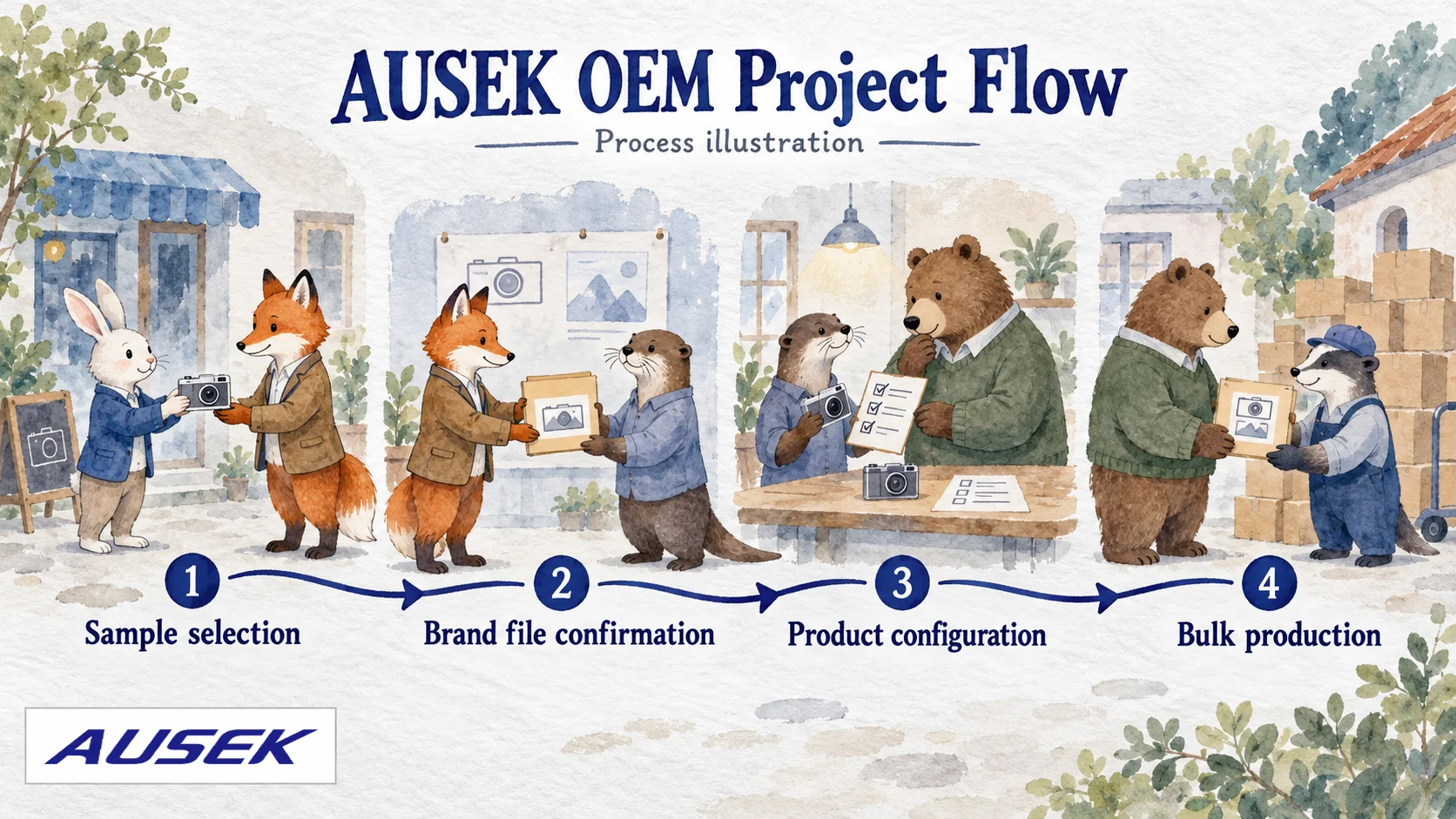
An OEM project typically begins with product selection and sample evaluation, followed by confirmation of brand materials and product requirements. These include logo and packaging files, startup screen artwork, accessories, manual language and menu language. The agreed details form the basis of the product configuration and bulk order, which the supplier schedules for production. Having one main contact on the brand side can help coordinate requirements, design reviews and configuration approval. The timing and order of file preparation should be agreed for each project.
What to prepare for your first discussion
To help the supplier understand your project, prepare three things: a brief description of the intended users and uses, such as daily vlogs, family memories or travel; your target price range and sales channels; and any essential features. You can discuss model and configuration options even if your design files are not yet ready. Agree with the supplier on which files are needed and when to provide them, rather than assuming a fixed submission sequence.
Frequently asked questions
Does OEM customization only mean adding a logo?
No. The six customization areas covered here are logos, packaging, manuals, accessory bundles, startup screens and menu languages. The available options must be confirmed for each model and project.
Can I choose any menu language?
Available menu languages vary by model. Confirm that your required language is supported before finalizing the configuration; do not assume every model supports all languages.
Does the manual have to be in English?
Manual language and menu language are separate requirements. Confirm both for your target market. If you need a translated manual, include that request in the configuration discussion.
What is the minimum order quantity?
The MOQ is 500 units for regular models and 1,000 units for some special models. Confirm the MOQ for the model you select.
How long does an OEM order take?
OEM orders typically take 20–25 days. The schedule depends on the model, quantity, customization requirements, materials and readiness of the brand files. Confirm it for your project; this is not a guaranteed delivery-to-door timeframe.
Can I order samples before placing a bulk OEM order?
Yes. Samples are available for evaluation before a bulk OEM order, allowing your team to check whether the camera suits the intended use.
Discuss your OEM requirements
You can start by describing your intended users, sales channels and expected order quantity, even if you have not selected a model. This gives the supplier a basis for discussing suitable cameras, customization options, sample availability and lead times. Agree on the required design files and the timing for providing them as part of that discussion.