A person filming alone has two jobs: deliver the explanation and keep the shot usable. Reaching for a product, stepping toward a shelf or moving to the other side of a table can interrupt both. An auto-tracking pocket camera can make this kind of recording easier by turning toward the presenter’s face while the camera stays in one place.
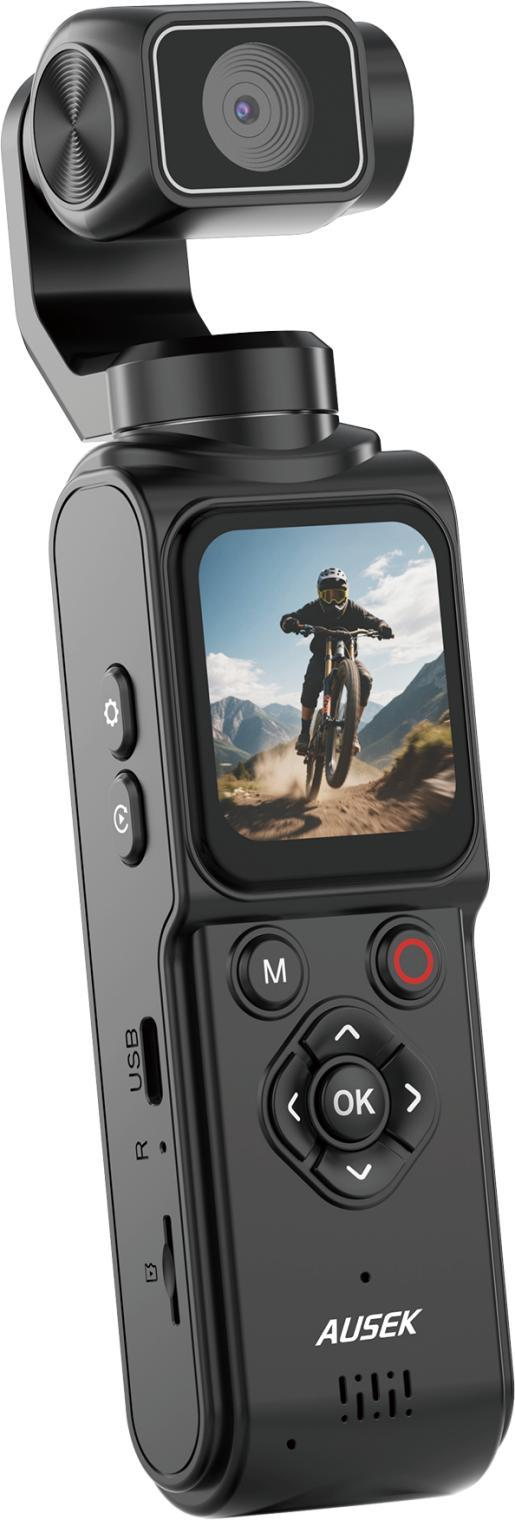
The AUSEK AT-M105 has single-axis 330° automatic tracking rotation and face tracking. Its useful promise for a creator-equipment retailer is specific: give a solo presenter more room to move within a planned shot, with fewer manual changes to the camera’s direction. The demonstration should show how that affects the recorded frame.
Start with a presenter, a table and two products
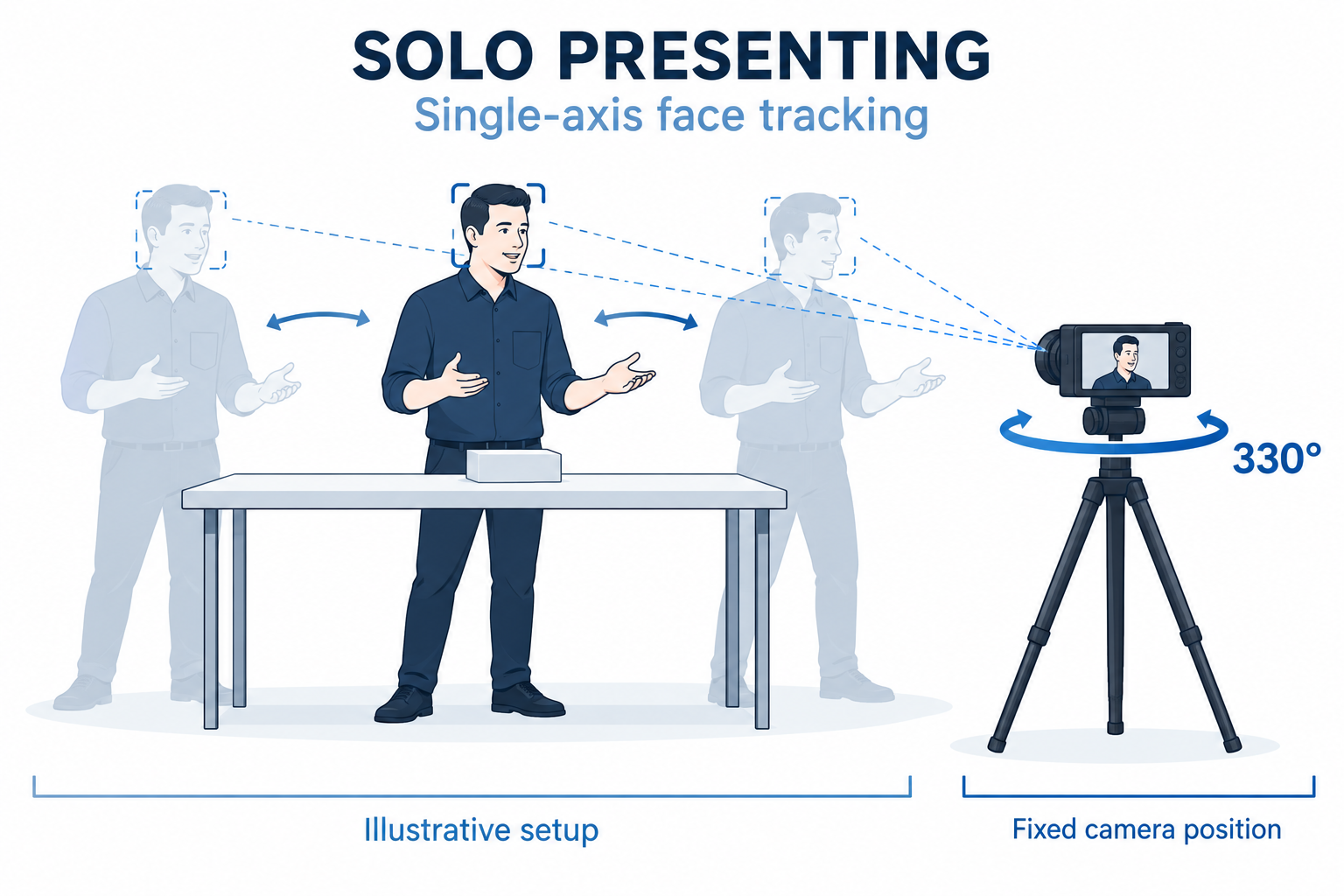
Picture an independent seller filming a product introduction. The camera is fixed in front of the table. The presenter introduces one item, turns slightly to pick up another and comes back to explain the difference. Face tracking can help redirect the camera during this movement, allowing the presenter to concentrate on the explanation instead of stopping to reset the camera each time.
That setup is useful to demonstrate because the camera position is stable and the movement is repeatable. Try a small movement first, then extend it while reviewing the framing. The 330° specification describes the tracking rotation; single-axis tracking does not mean the camera follows movement in every direction or provides multi-axis stabilization for walking footage.
A visible face does not guarantee a visible product
For product presentations and hobby lessons, the object matters as much as the person. Set the starting frame wide enough to include the presenter’s hands and working area. Then walk through the actual actions: reaching to one side, lifting an item, looking down and facing the camera again. Watch where the product goes as the camera turns.
AT-M105 also lists autofocus. Framing and focus still need separate attention: a label can be inside the picture yet too small to explain clearly. Record the main presentation with room for movement, then add a close-up of a connector, button or small part when the explanation needs one. A simple cut to a detail shot can do more for clarity than asking a single camera position to cover everything.
Show the camera moving and the footage it records
A strong retail demo has two views. An outside camera shows the AT-M105 turning toward the presenter. The AT-M105 recording shows the result: the presenter’s position in the frame, the visible tabletop and the way the composition changes. Synchronize the two views or play them one after the other using the same movement.
Let a customer repeat that movement and watch the playback. A shelf-side product explanation, a tabletop craft lesson and a standing introduction each give the customer a different reason to try it. The retailer can choose the demonstration closest to its audience instead of relying on a rapid tour of every menu setting.
Use the same filming task in two sales languages
For a U.S. creator-equipment store, the demonstration could use an English product presentation by a solo seller. A Brazilian distributor could prepare the equivalent explanation in Brazilian Portuguese for its retail partners. Keep the objects, movement and camera position the same so the two versions demonstrate the same capability. Localize the spoken examples and captions, rather than changing the product claim.
Amazon’s product-video guidance encourages focused demonstrations of a product in use. A U.S. seller can apply that approach to the AT-M105 by showing one complete presentation task, including where the camera sits and where the presenter moves. This helps someone buying online understand the room and working area they need to arrange, even without trying the camera in a store.
Choose the camera around the solo filming job
Use the AT-M105 product page as a starting point, then describe the presentation you want to film. AUSEK can discuss samples and established-model OEM options including logos, packaging, manuals and accessory combinations. For a U.S. and Brazilian range, include the intended sales languages and the main filming task in your project inquiry. A clear example of the presenter’s movement is more useful than a broad request for an “automatic camera.”