An action camera paired with a wireless microphone is useful when the video needs both the action and the explanation. The camera can sit far enough away to show the task, while the microphone stays close to the person speaking. That separation gives a presenter more freedom to demonstrate equipment, work with both hands or explain what is happening outdoors.
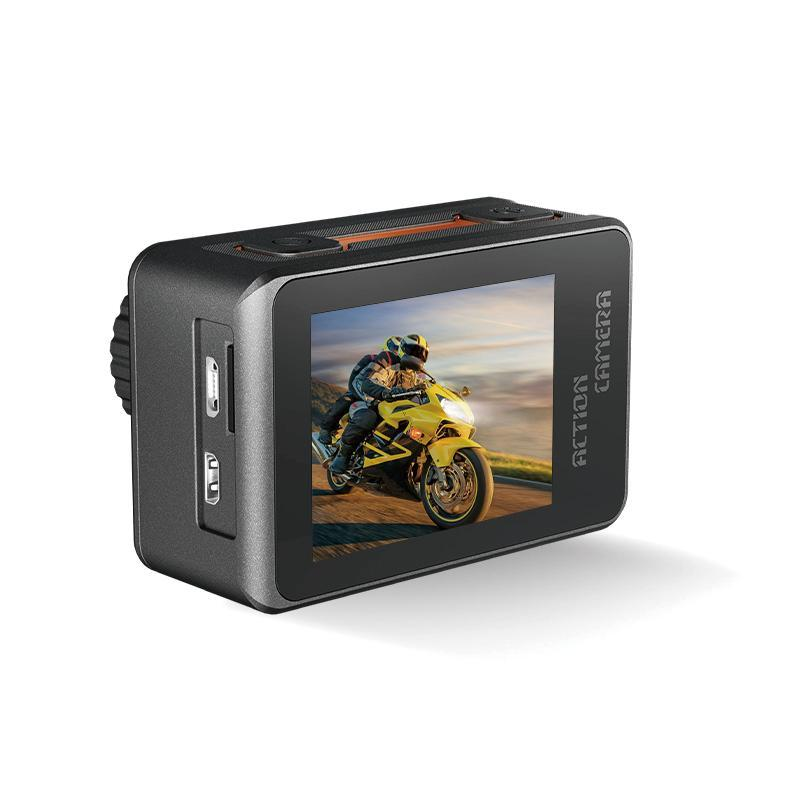
The AUSEK AT-M82TR has an optional wireless microphone system, including a two-transmitter, one-receiver option in its configuration information. For a brand or distributor, the product opportunity is to show how a camera-and-microphone combination completes a particular recording task. The microphone is an option, so a camera-only offer and an offer including the microphone should be presented as different packages.
Put the camera where the viewer can understand the action
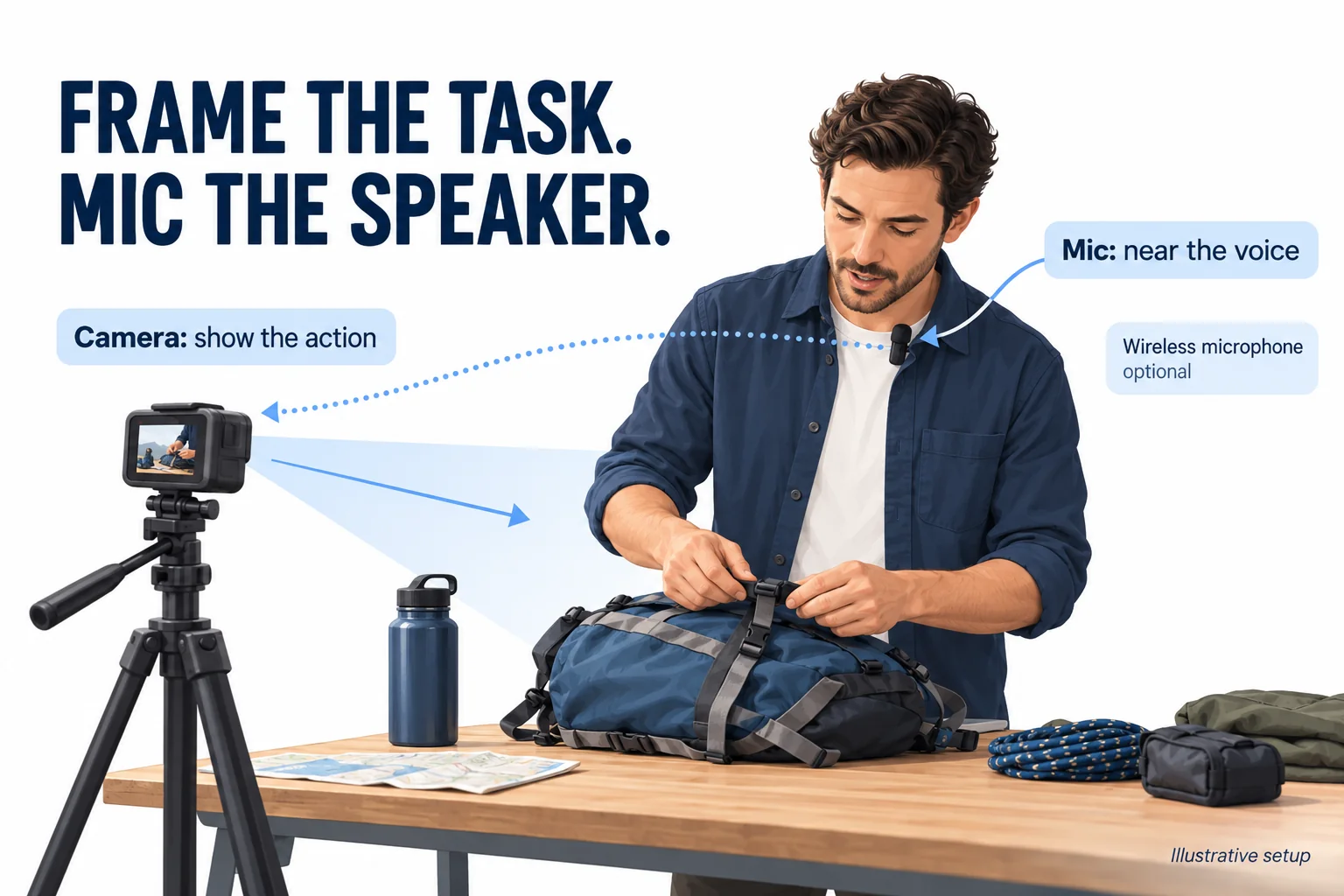
A camera position that shows the whole task may be across a table or several steps from the presenter. Moving closer to the camera just to speak can disrupt the demonstration. A microphone worn near the speaker allows the framing and pickup positions to be arranged separately. The result still needs to be judged by listening to the actual recording, especially when clothing, wind or nearby conversation may affect the sound.
Outdoor explanations: retain the reason behind the movement
A gear demonstration often contains information the picture cannot explain by itself: why a strap is moved, which part needs adjusting or what the presenter will do next. A spoken explanation can connect those details with the action as it happens. For a U.S. outdoor retailer, a possible demonstration is one presenter setting up a piece of camping equipment while explaining the sequence.
Begin with a continuous recording of the full task. Listen for the words at the moments when the presenter bends down, turns away or reaches across the equipment. Those movements make the sample more informative than a stationary greeting in front of the lens. Keep a short section of the surrounding sound so the viewer can understand the recording environment.
Hands-on tutorials: explain while both hands are busy
Assembly and adjustment tutorials need a clear view of the hands as well as an explanation of each step. A worn microphone keeps a handheld microphone out of the working area. Place the camera to show the tools and the object, then rehearse the task to check that neither hand covers or rubs the microphone during the important steps.
For a Brazilian distributor, a Portuguese-language equipment tutorial could double as a retail demonstration and an explanation of the recording kit. Show the camera position and microphone placement briefly, then let the viewer watch the task with its original audio. A close-up can explain a small component without replacing the main spoken sequence.
Two speakers: build the demonstration around a conversation
The two-transmitter option gives buyers a way to discuss content involving two people: an interview about a product, or one person carrying out a task while another asks questions. Arrange a microphone for each speaker and review the complete signal path for the selected kit. Record alternating speech and replay the file to check that both contributions are captured usefully.
The number of transmitters alone does not establish separate audio tracks or a particular channel layout. If a buyer needs to edit each speaker independently, that becomes a specific sample and specification check. A simple two-person demonstration can still explain the practical value of the package without making those extra claims.
Make the package understandable before the customer orders
A useful sales presentation has three parts: the actual included items, the connection and wearing steps, and a recorded example. Photograph the camera-only package separately from the microphone package. The product-page option, box contents and demonstration should all refer to the same combination. For U.S. and Brazilian channels, translate the captions and setup guide while preserving that item-by-item correspondence.
When comparing recordings, identify the equipment, placement, surroundings and any audio processing used. This gives a retailer material that buyers can listen to and judge. For an AT-M82TR project, tell AUSEK what the presenter will do and whether one or two people will speak. Use the contact page to discuss samples, the optional microphone combination and OEM packaging or manuals for your market.