Choose action cameras for a product line by deciding what each model will help your customers film. Travel commentary puts framing and speech recording first; mounted outdoor footage brings stabilization and installation into focus; short-form vertical content makes the recording format a selection criterion. Compare the features that serve that use, then price the complete kit.
A retailer may need a product that staff can demonstrate quickly. An online seller may need a camera-and-accessory combination that can be explained clearly in a listing. The same camera can serve either channel, but the demonstration, included accessories and instructions should match the offer you intend to sell.
Give each candidate a clear job in the range
Write one sentence describing the main customer use before comparing specifications. For example: “A travel camera for people who record themselves speaking while visiting outdoor locations.” This illustrative product direction makes a front display and compatible microphone relevant. A higher headline resolution alone would not answer the audio requirement.
If you already sell a general outdoor camera, consider what a second model adds. A different recording format or audio bundle gives customers a specific reason to compare it. If two candidates meet the same use equally well in your sample review, compare their complete package costs and operation rather than inventing a distinction from minor specifications.
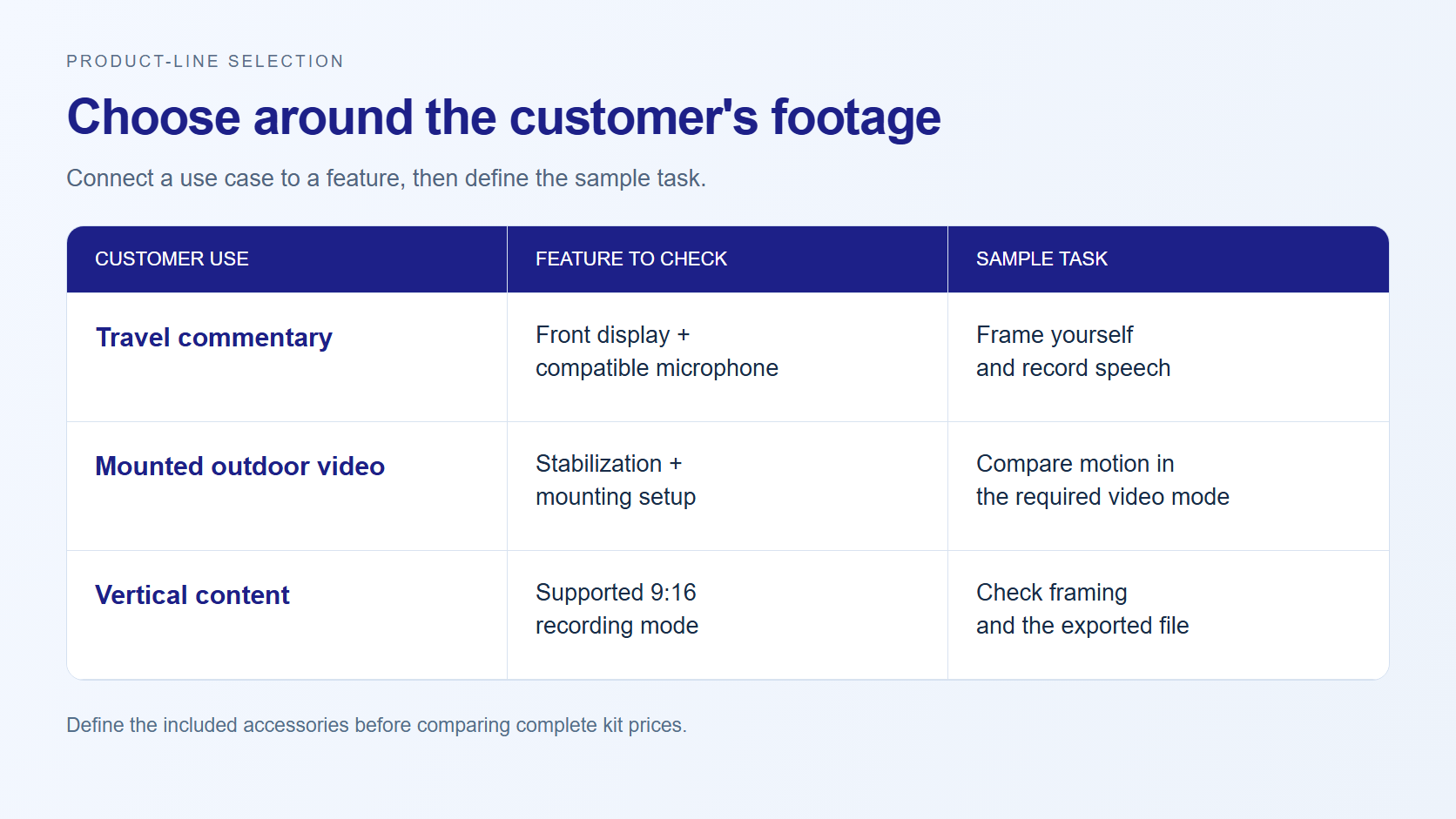
Use model differences to narrow the sample list
| Product direction | AUSEK model to consider | Confirmed difference | What to evaluate |
|---|---|---|---|
| Travel and outdoor recording with touch operation | AT-M60TR | 5K at 30 fps; 2.0-inch rear touch screen; 1.3-inch front color screen; six-axis EIS | Screen operation and stabilization in the required recording mode |
| Travel commentary with a wireless-audio bundle | AT-M40TRW | 5K recording; front and rear color screens; wireless-microphone support | Compatible microphone, connection procedure and actual included items |
| Landscape recording plus vertical content | AT-M90TR | 5K at 60 fps and a separate 2.7K 9:16 vertical recording mode | Framing and files produced in each required mode |
These are starting points for sample selection. The models have overlapping uses, and the table does not rank them by overall quality or profitability. The linked specifications for AT-M60TR, AT-M40TRW and AT-M90TR provide more detail for an initial comparison.
Evaluate framing and speech as one shooting task
For self-recording, a front display helps the user see whether they are in the frame. Rear-screen operation is a separate part of the experience: changing settings, reviewing clips and finding controls. On AT-M60TR, the rear display is a touch screen; the front display is for viewing. Try both tasks instead of treating “dual screen” as a complete description of operation.
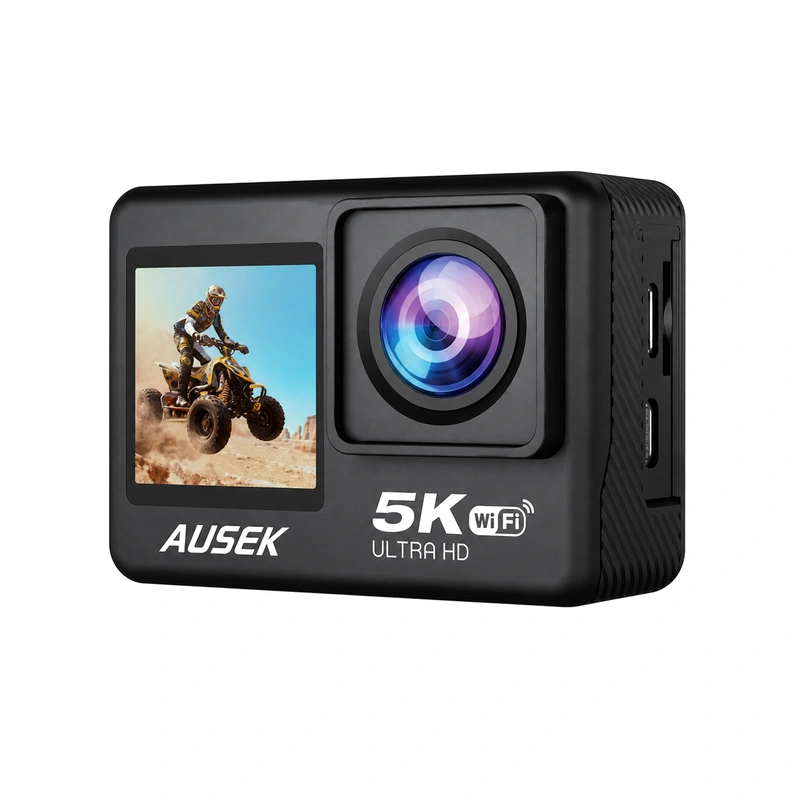
For spoken travel content, AT-M40TRW offers wireless-microphone support. Ask for the compatible microphone arrangement, then record speech while using the intended setup. Listen to the resulting file and repeat the connection procedure. The quotation should state whether the microphone is included, its quantity and any required connection accessories.
Specify the recording mode before testing motion
AT-M90TR records 5K at 60 fps and also offers 2.7K vertical recording in a 9:16 format. These are distinct recording options. If your customers want vertical clips, check the vertical view and exported file directly. A 5K headline should not be used to describe the separate 2.7K vertical mode.
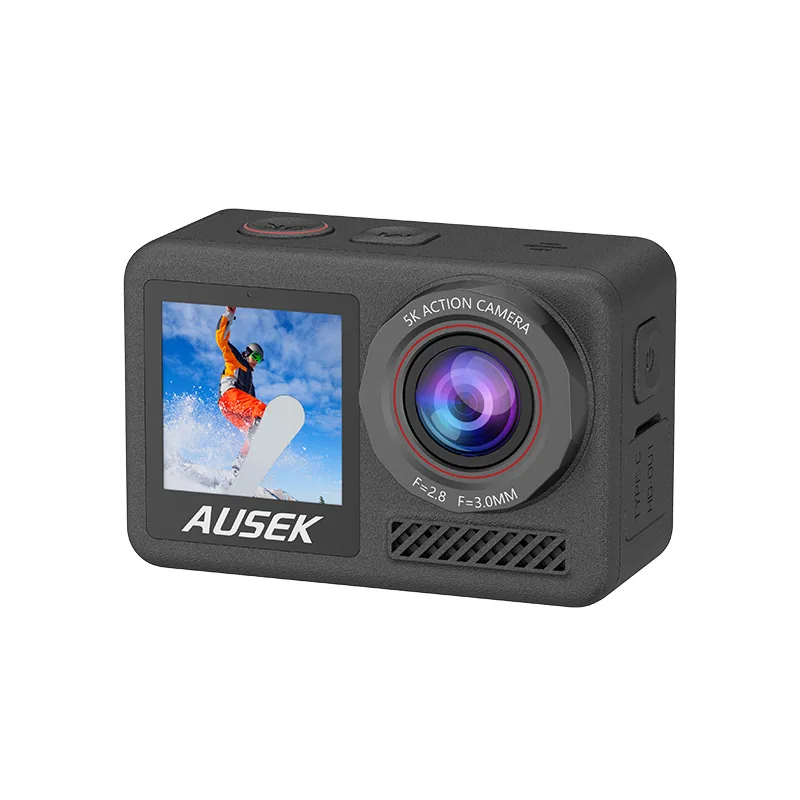
Stabilization should be tested in the resolution and frame rate you plan to promote. A specification sheet listing a maximum recording mode and EIS separately does not establish that they work together at that setting. Request a supported-mode explanation or a demonstration using that exact combination before building your offer around it.
Use the same route, similar lighting and the same mounting position when comparing motion footage. Review the subject in the center, movement near the edges and the field of view during turns. If a required combination is unavailable, decide whether a different supported mode still serves your customers or whether to select another model.
Make the water-use requirement part of the kit decision
AT-M40TRW supports underwater use to 30 m with its specified waterproof housing. That condition applies to the housed camera. If the offer is intended for underwater recording, include the compatible housing in the kit discussion and keep the housing condition in the product description and instructions.
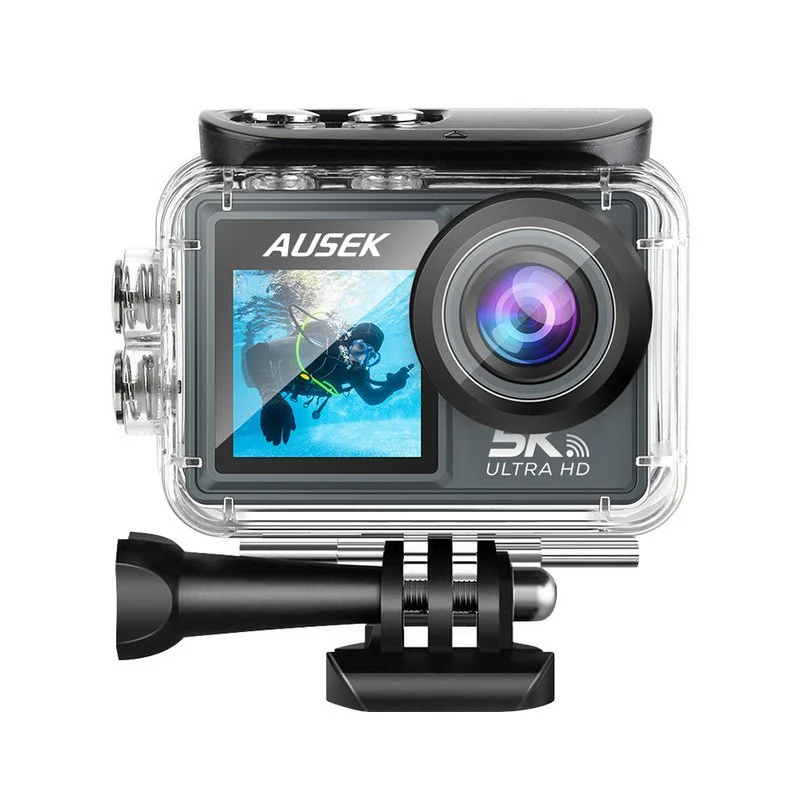
If body waterproofing is a firm requirement, ask about the AT-M84TR body-waterproof model and confirm its conditions for the intended use. Do not assign the M40TRW housing depth to another camera. Filter by the required waterproof design before comparing display or recording extras.
Request samples with a test purpose and an accessory list
After narrowing the choice, define the sample task and the proposed package together. A travel-commentary sample needs the intended audio setup; a mounted-recording sample needs the relevant bracket; an underwater kit needs its housing. This lets you assess the product your customers would receive.
Ask AUSEK to quote the camera model, accessories and quantities, packaging, manual language and branding scope as one defined offer. If you are choosing between models, send your customer use and sample priorities, together with the target market and expected quantity if known. We can discuss suitable models and the bundle to evaluate.